
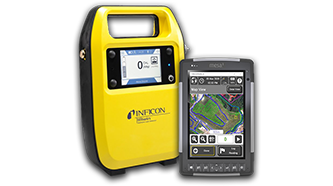

Having Bluetooth connection issues with your Mesa 4 tablet?
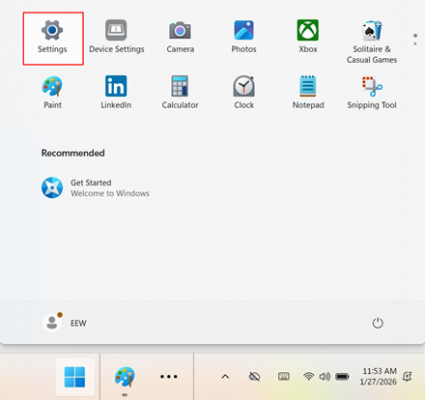
- Press the Windows button, and select “Settings”
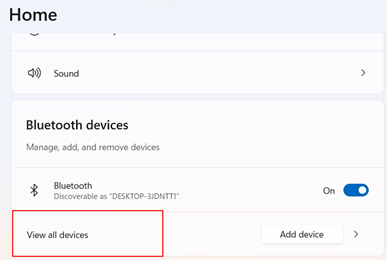
- Scroll down to the Bluetooth section, and select “View all devices”
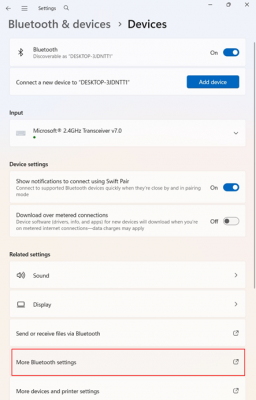
- Select “More Bluetooth Settings”
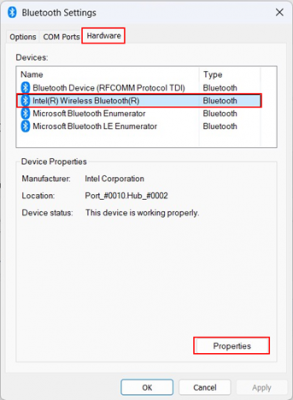
- From here, select the “Hardware” tab, select the “Intel® Wireless Bluetooth receiver”, then click “Properties”
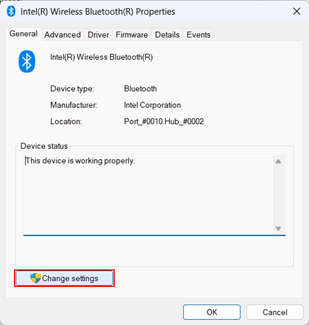
- Click “Change Settings”
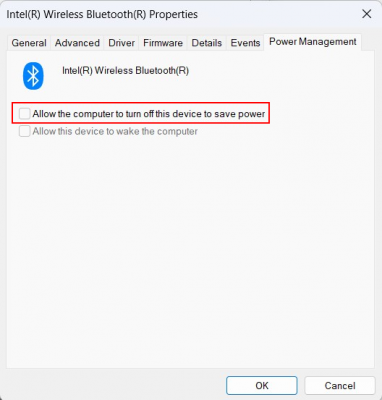
- Uncheck “Allow the computer to turn off this device to save power”, then press OK.
If the above instructions do not eliminate your issues, please contact our Tech Support Team @ 330-725-7766!